FPV Goggles
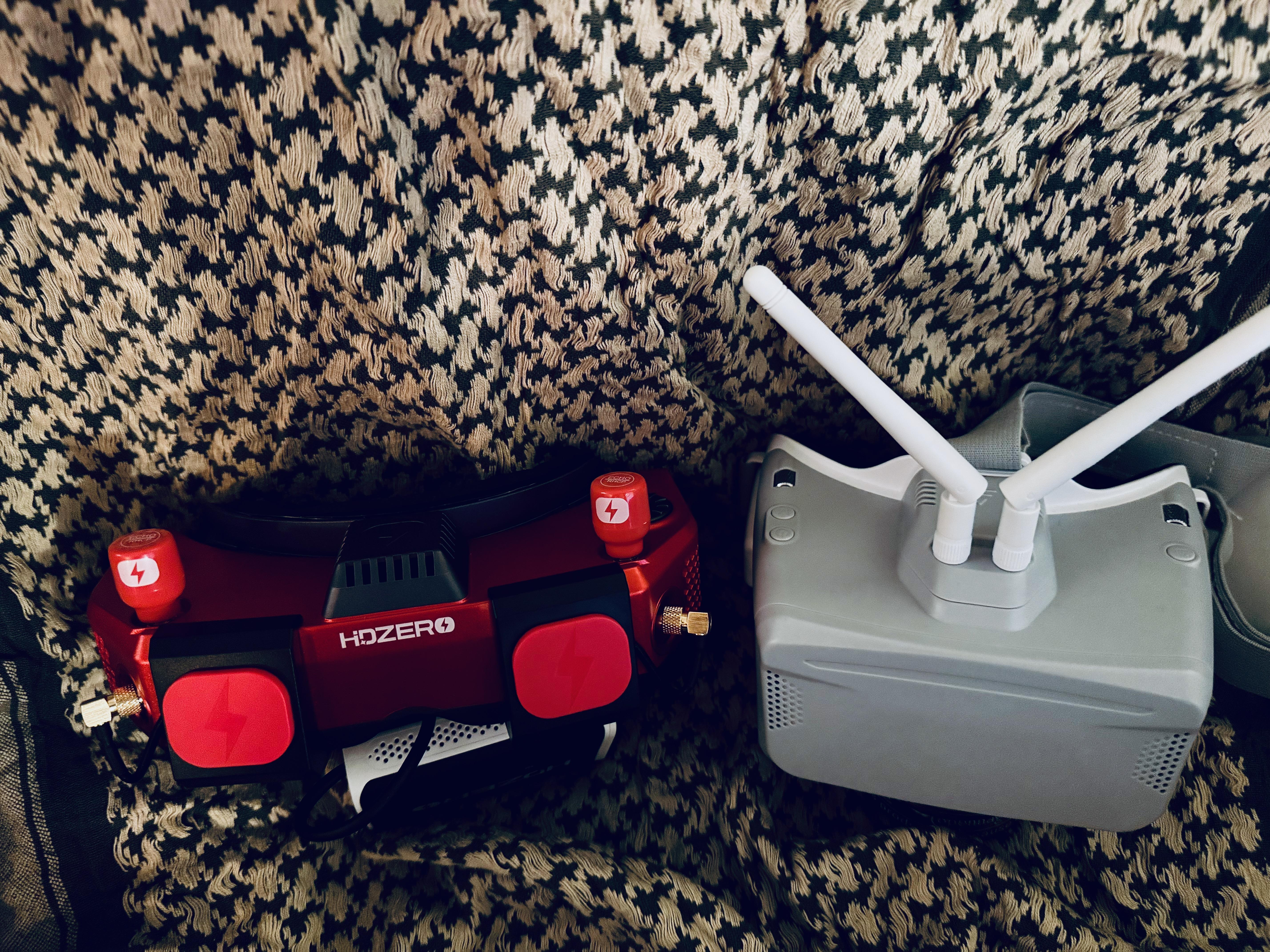
There are two types of goggles: box and binocular. Box goggles are cheaper, but some people (myself included) prefer the binocular style.
Goggles will have a DVR feature (if you see a set of goggles that do not have DVR, do not buy them); unless a drone is equipped with a second camera like a GoPro, this is how you retrieve footage from the drone.
There are some optional features that you’ll find:
- A good scanning function will help you figure out which video channels are available.
- Some will have HDMI input, so you can use your goggles with the flight simulator. Personally, I found the value from doing this marginal compared to the effort, and it’s not something I’d particularly look for going forward.
- Some will let you broadcast your stream via WiFi or something similar. This is mostly a racing feature, you decide if you want it or not.
- Some will have HDMI output, which lets you send the goggle output to an external monitor. Again, this is mostly a racing feature but you may find it useful. It’ll be discussed in the TTP section.
BetaFPV VR03
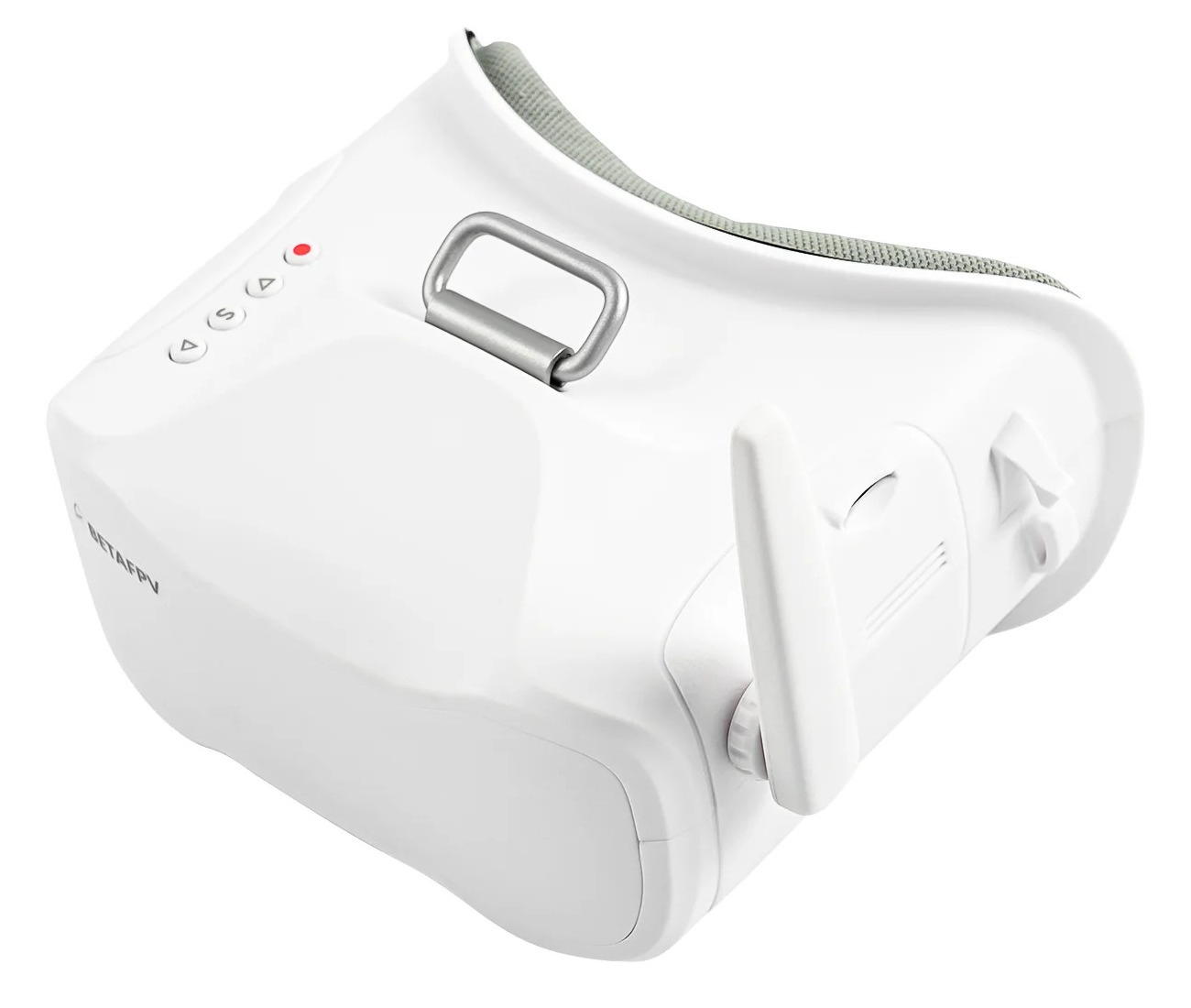
These are an entry set of analog goggles. The only reason I upgraded to a more expensive set of goggles is because I thought I wanted the HDMI input feature. They have a decent scanner and are pretty reasonable for getting started.
HDZero Goggles 2
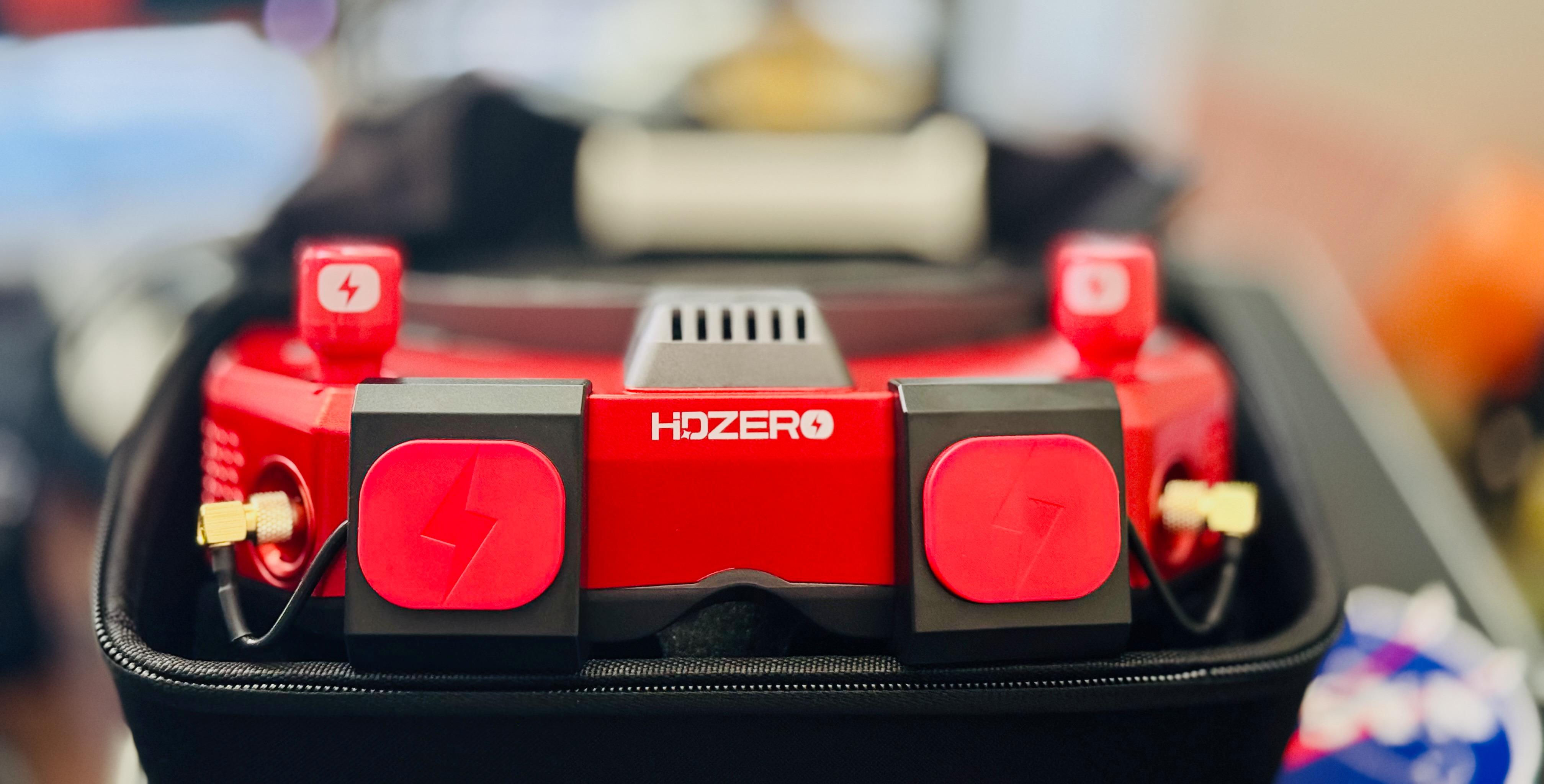
These are the goggles I use now most often; they support analog and HDZero digital video and have some other cool features as well. I find these very comfortable, more so than the box goggles. However, they’re pretty expensive, and I didn’t buy them until I had spent a bunch of time with box goggles to figure that out. The downside with these is that they don’t have an analog scanner.
Skyzone Cobra SD
These goggles I bought to replace the VR03s just because I thought I wanted the HDMI input. They aren’t substantially better in my experience. I prefer the scanner on the VR03s over this one. In the picture at the top of the page, they are the goggles on the right.